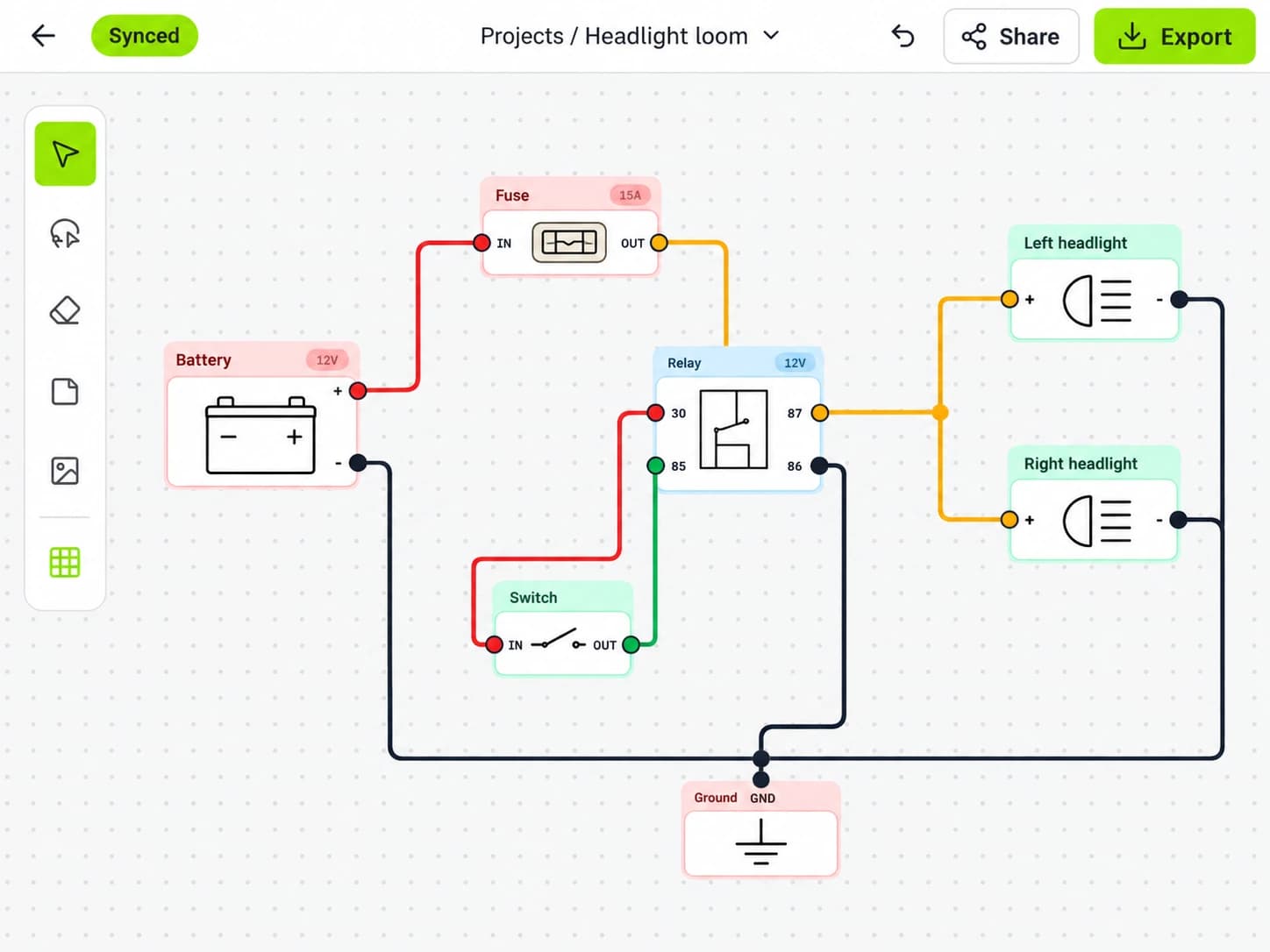
240Z · Headlight loom
MK
Share
Multi-user editing & sharing
Two sets of eyes. One shared diagram. Wire together in real time, or send a link to bring someone into your build.
The parts you need. A canvas that makes sense. Draw, connect, and share your next build, from the first idea to the workbench.
Free to start. No credit card required.
 Battery
 Alternator
 Ground
 Fuse
Fuse Fusible Link
 Fuse Box
 Relay
Relay Switch
 Button
 Ignition Coil
 Distributor
 Headlight
 Lamp
Lamp Tail Light
 Indicator Light
 Motor
Motor Fuel Pump
 Starter Motor
 Wiper Motor
 Speaker
 Subwoofer
 Amplifier
 Radio
Radio Antenna
 Winch
Winch Air Compressor
 AC Compressor
 E-Diff Locker
 Light Bar
 Aux Socket
 Horn
Horn Connector
 Terminal
 Terminal Block
 Sensor
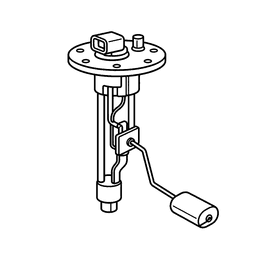 Fuel Sender Unit
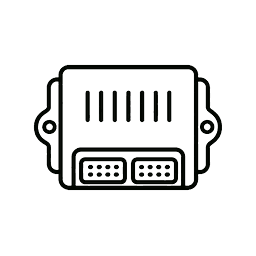 ECU
ECU Diode
Diode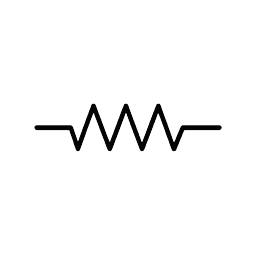 Resistor
Less figuring out the software. More figuring out the wiring.
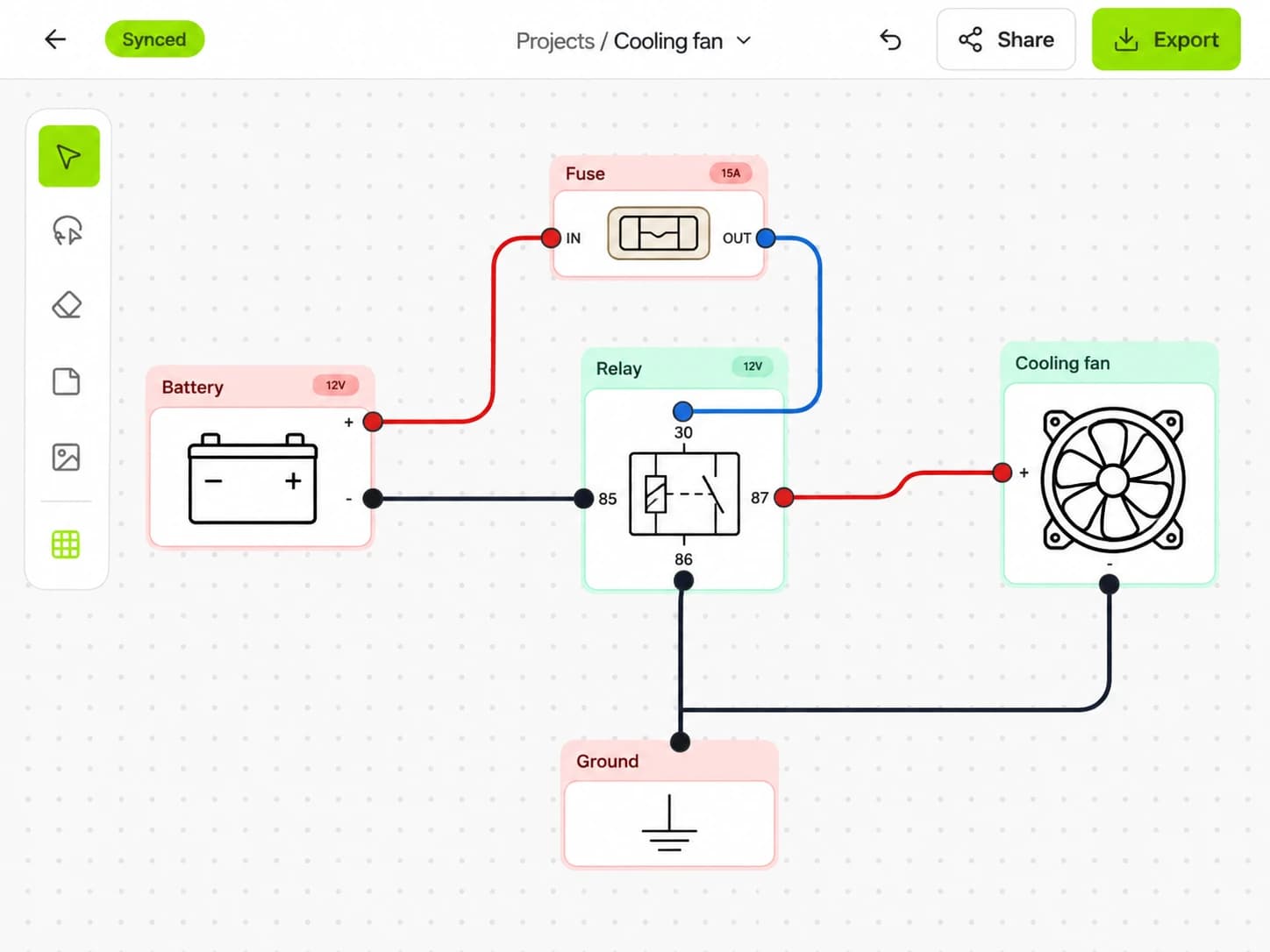
Draw circuits with automotive components and labelled wires. An open canvas gives every connection room to make sense.
A silent product demonstration with a visible mouse cursor dragging the battery, fuse, and headlights around the canvas while their wires stay connected.
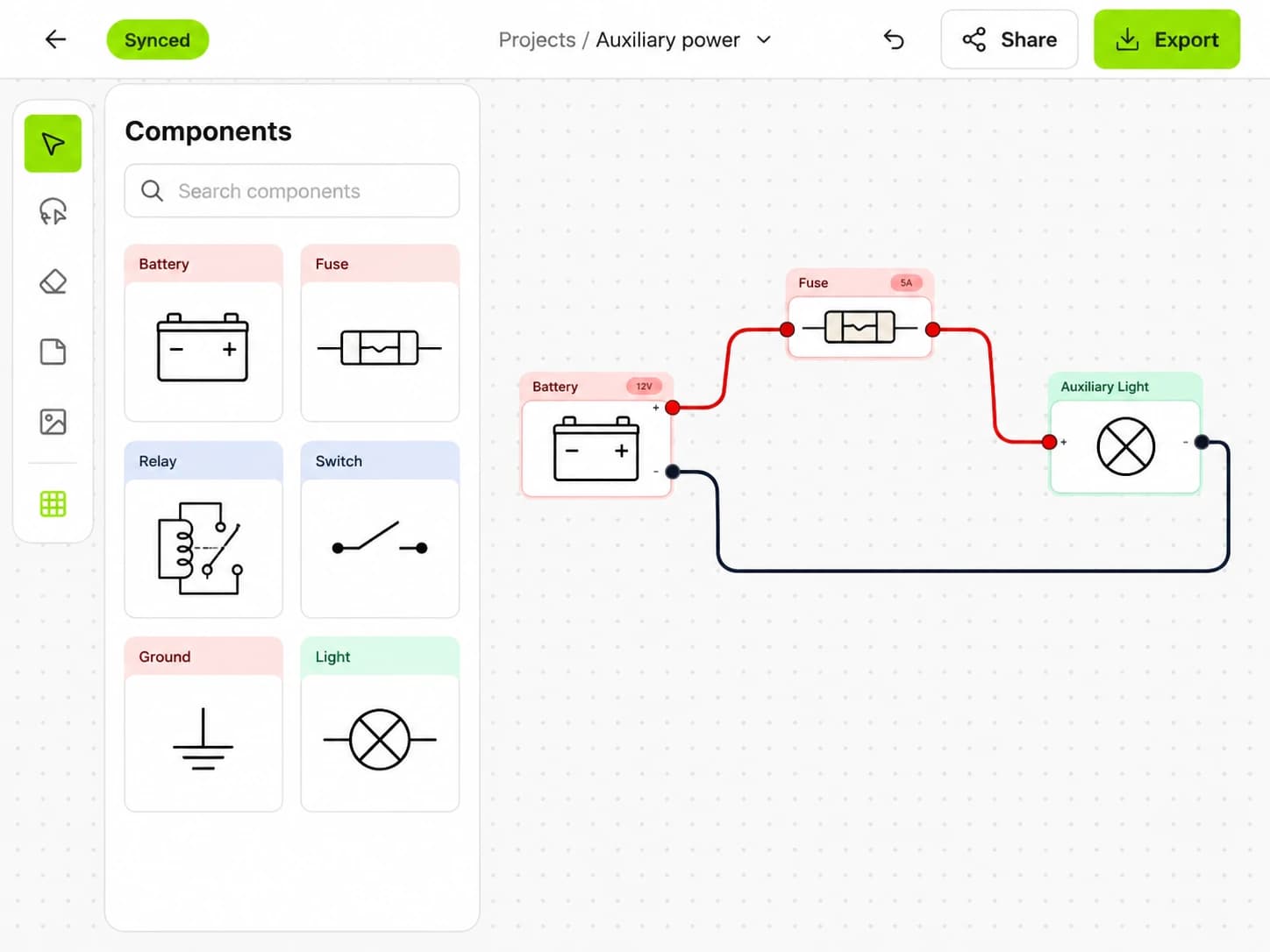
Batteries, relays, connectors, and more. Start with built-in components and customise their labels and terminals.
Connect terminals, route your wires, and choose colours and labels that make each circuit easy to follow.
Split your build across pages. Keep lighting, ignition, and accessories organised in one diagram.
Two sets of eyes. One shared diagram. Wire together in real time, or send a link to bring someone into your build.
Better with another set of eyes
Work through a tricky circuit together. Invite someone into your diagram, see where they’re working, and keep the whole team on the same page.
Made to leave the screen
Keep your diagram beside the build, send it to a mate, or file it away for the next owner. The work you put in stays easy to read.
 WIRING DIAGRAM
240Z · Lighting circuit
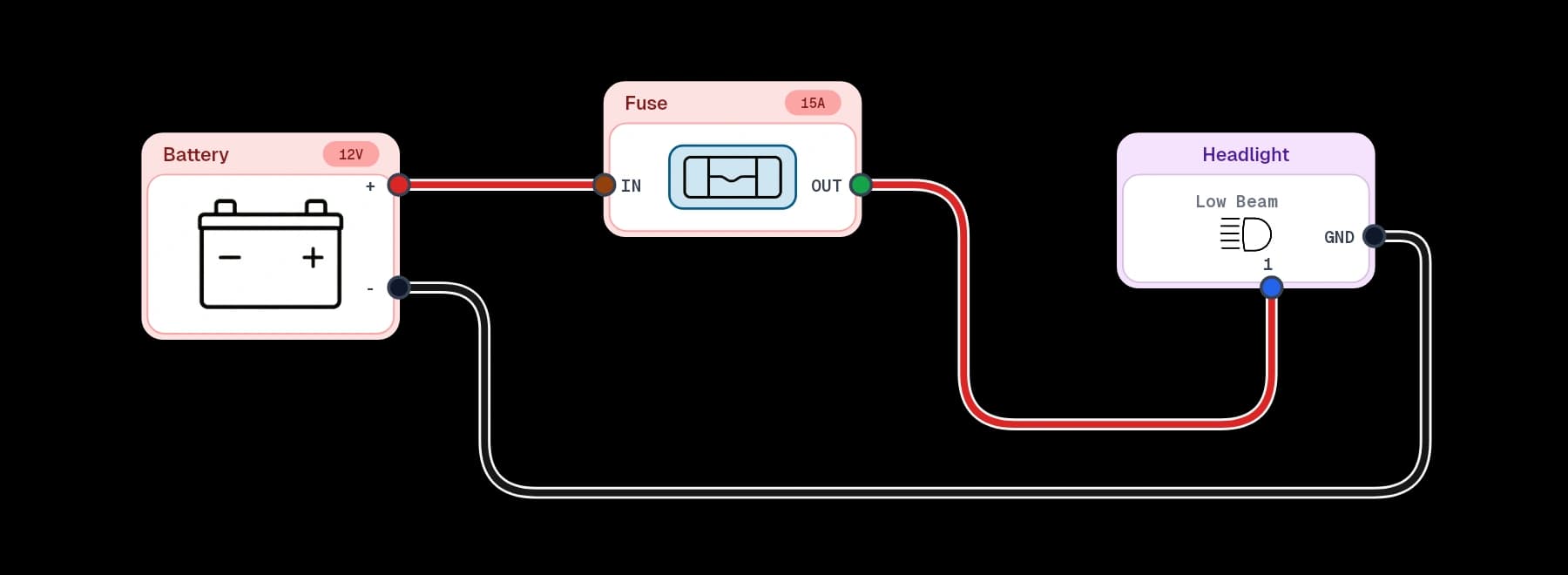
A new way to get started
Connect your AI tools to Loom with MCP. Describe the circuit you have in mind, build the diagram together, and keep refining it in the editor.
Connect your AI tools ChatGPT
 Claude
 VS Code
 Connected via MCP
Your next project starts with a connection
Start with a blank canvas, or find a little inspiration.
Draw wiring diagrams with Apple Pencil at the bench. Pick up where you left off on the web.